 Forge 3D
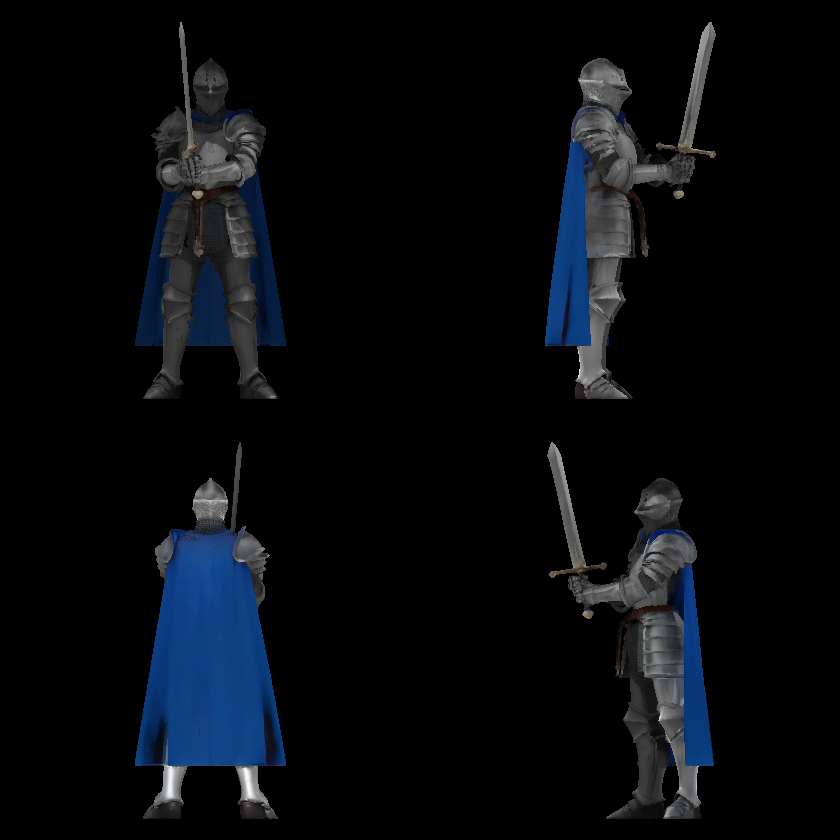
Made in Forge 3D
Forge 3D
Image to 3D, on your PC
A Windows beta for NVIDIA RTX 50 series. Drop in a picture, export a textured model.
Your pictures and models stay on your computer.
# 01 / how it works ------------------------
- Install. Run the installer. It installs just for you, no admin needed.
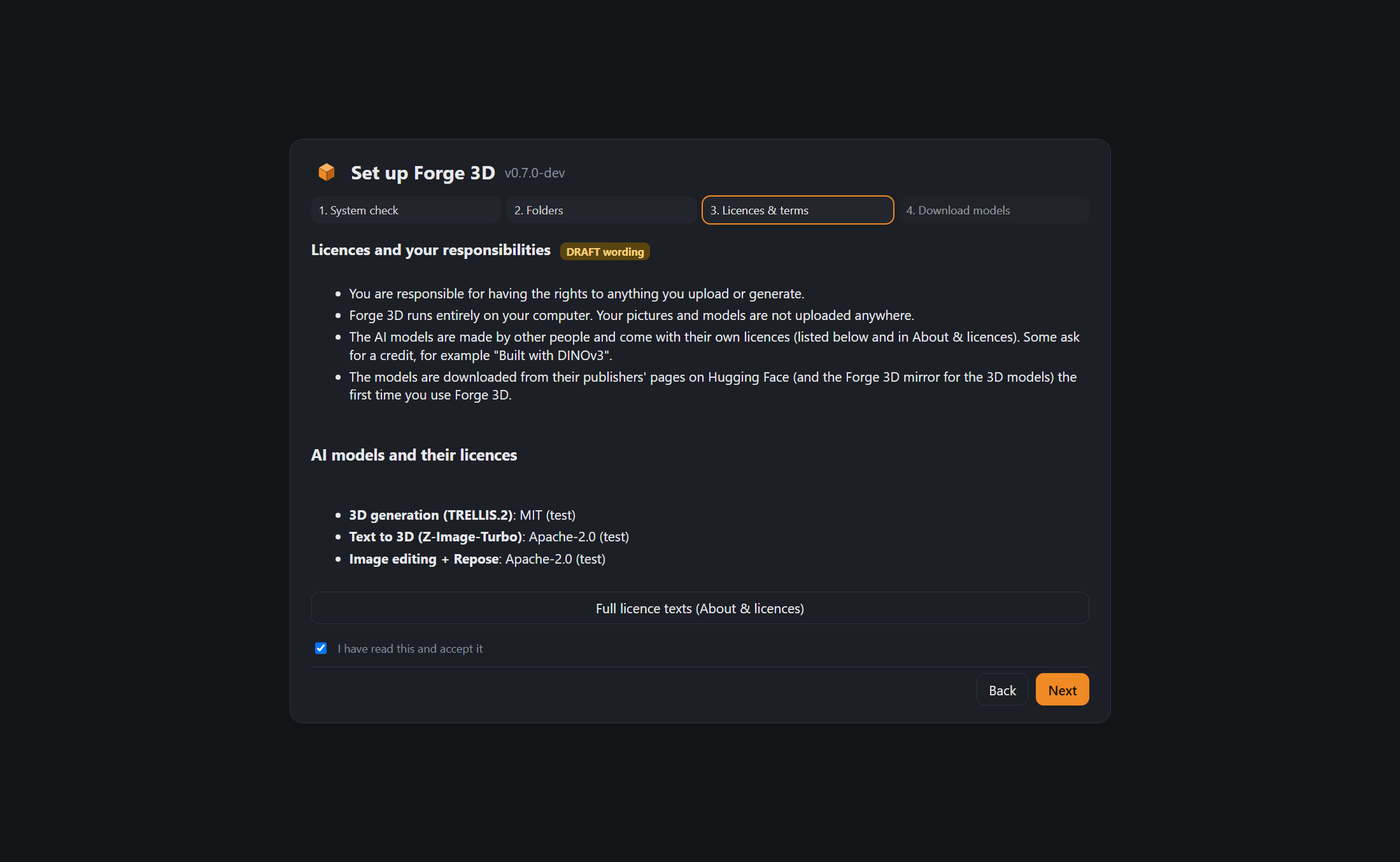
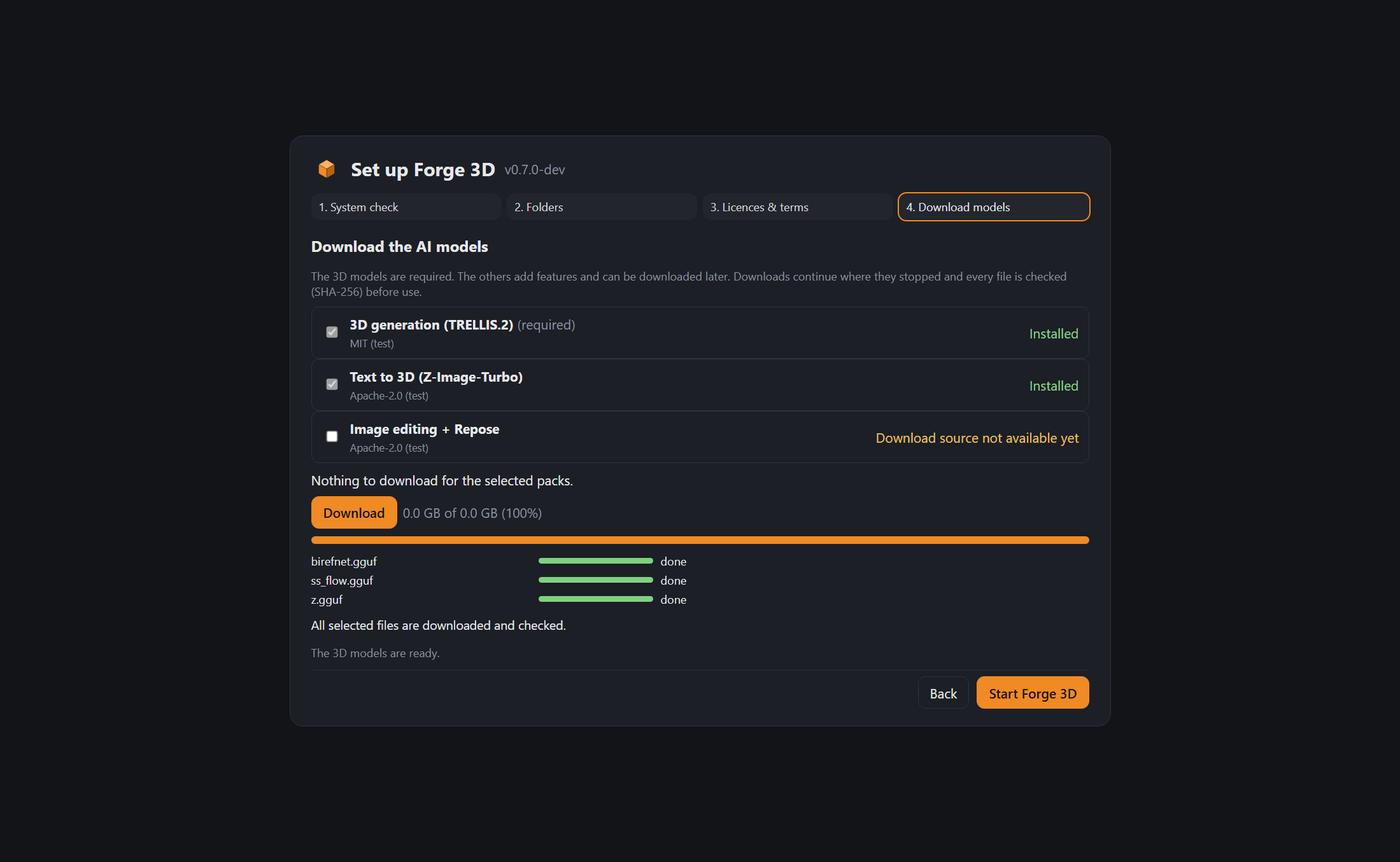
- First start. A short setup checks your PC, lets you pick folders, shows the licences and terms, then downloads the AI models (internet needed this one time).
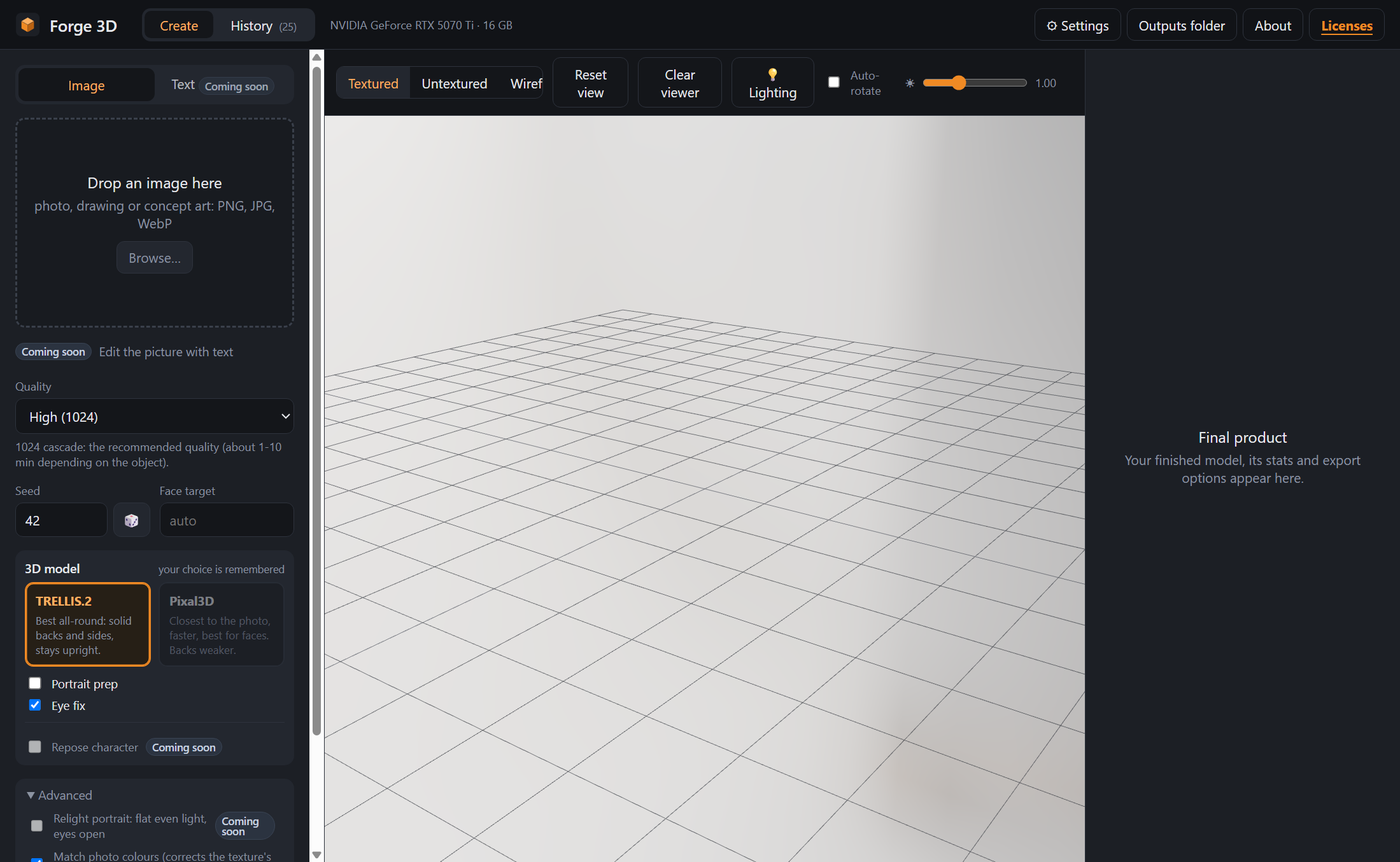
- Make a model. Drop in a picture, pick Fast, High or Max, and export as GLB, FBX, STL or 3MF.
# 02 / requirements ------------------------
| Minimum | Recommended | |
|---|---|---|
| System | Windows 64-bit | Windows 11 64-bit |
| Graphics card | NVIDIA RTX 50 series, 8 GB VRAM (Fast/High work; bigger modes are slow; under 8 GB may fail) | NVIDIA RTX 50 series, 16 GB VRAM |
| NVIDIA driver | 580 or newer (CUDA 13) | |
| Disk space | ~17 GB (app ~1.0 GB + core models 16.0 GB) | ~28 GB with the optional Pixal3D pack |
| Internet | Only for the first model download | |
# 03 / what gets downloaded on first start --
| Pack | Size | Models and licences |
|---|---|---|
| 3D generation (core, required) | 16.0 GB | TRELLIS.2-4B (MIT, Microsoft) · DINOv3 (DINOv3 License, Meta) · BiRefNet (MIT) |
| Pixal3D (optional) - closest to the photo | 11.0 GB | Pixal3D (MIT, Tencent) · NAF (Apache-2.0, valeo.ai) |
| Text to 3D coming soon | 11.0 GB | Z-Image-Turbo + Qwen3-4B (Apache-2.0) |
| Image edit & Repose coming soon | 22.5 GB | Qwen-Image-Edit-2511 + Qwen2.5-VL-7B (Apache-2.0) |
# 04 / "Windows protected your PC"? ---------
This first beta isn't code-signed yet, so Windows SmartScreen will warn you. That's expected.
- Check the SHA-256 above matches your download.
- When the checksum is posted, check that it matches your download.
- On the blue "Windows protected your PC" box, click More info.
- Click Run anyway.
# 05 / FAQ ---------------------------------
Is it really local? Do my pictures get uploaded?
Yes, it's fully local. Your pictures and 3D models stay on your PC. The only internet use is downloading the AI models on first start (from Hugging Face).
Which graphics cards work?
NVIDIA RTX 50 series on day one, with driver 580 or newer. 16 GB VRAM is recommended; 8-12 GB works for Fast and High. Other GPUs aren't supported yet - the app tells you plainly if yours isn't.
How much disk space do I need?
About 17 GB minimum: ~1.0 GB for the app plus 16.0 GB for the core models. The optional Pixal3D pack adds 11.0 GB. You can choose which drive the models go on.
How do I uninstall?
Use Windows "Installed apps". Uninstalling removes the program but keeps your settings and your 3D models (Documents\Forge3D). It asks whether to delete the downloaded AI models.
Can I sell what I make?
You are responsible for having the rights to anything you upload or generate. The terms of use (still a draft) will cover any extra rules about selling what you make.
# 06 / roadmap -----------------------------
-
Windows beta (image-to-3D)launching now
The first public beta: turn a picture into a textured 3D model on your own PC.
-
Mac support (Apple Silicon download)in progress
A Mac build for Apple Silicon is in the works.
-
Animation riggingplanned
Auto-rig your models so they're ready for animation.
-
Text-to-3D and Edit/Reposecoming soon
Type a prompt to make a model, or edit a picture and change a pose before forging.